How to Prepare Footage for a Speaker Reel
Good preparation saves you money and gets you a better reel. Most of the speakers we work with already have everything they need. It is just spread across Dropbox folders, old emails and event livestreams. Here is how to pull it together before you hire an editor.
Step 1: Find your recordings
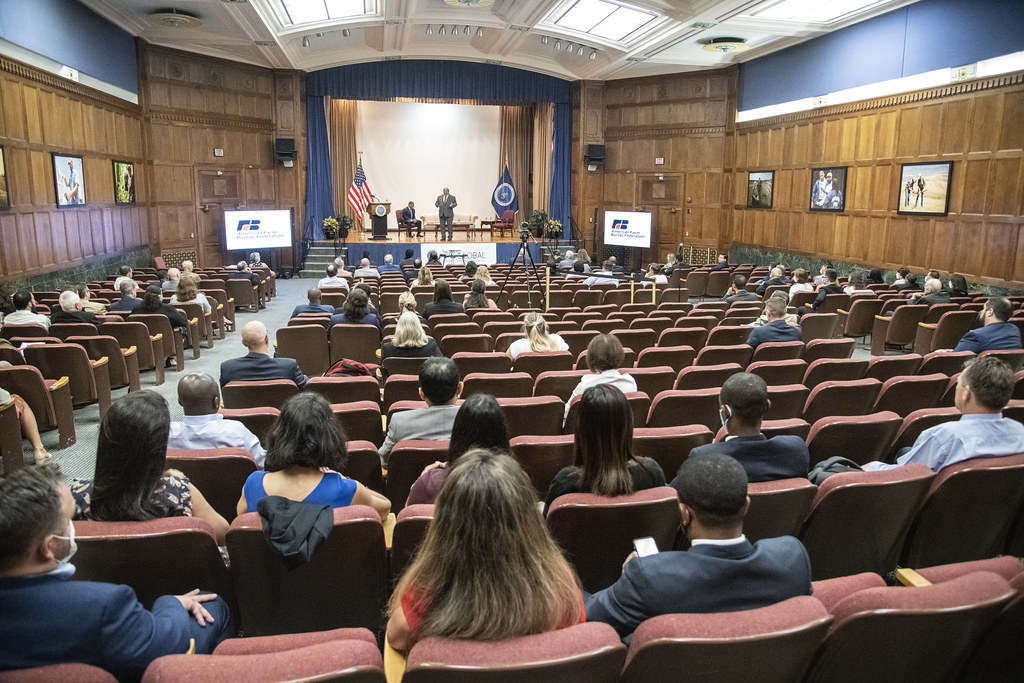
Check these places first. Event organizers often have footage they never sent you.
- Email the organizers of your last three to five events and ask for the original recording
- Conference livestreams on YouTube, Vimeo or LinkedIn
- Webinars and virtual summits (Zoom recordings work)
- Podcast and TV interviews, if they are on video
- Clips audience members posted on social media
Step 2: Get the best version of each file
Always ask for the original file rather than a downloaded stream. Originals keep more detail and much better sound.
| What you have | Is it usable? | Tip |
|---|---|---|
| Original camera files from the event | Best option | Ask the AV team for a link to the files |
| Livestream recording (YouTube, Vimeo) | Usually fine | Send the link and we can work with it |
| Zoom or webinar recording | Fine for some clips | Use gallery view off, speaker view on |
| Phone video from the audience | Good for reactions | Landscape is better than portrait |
| Screen recording of a video | Last resort | Look for the original first |
Step 3: Mark your best moments
Nobody knows your talks better than you. Write down three to five moments you are proud of: a story that always lands, a line that gets a laugh, a point where the room goes quiet. Note the file name and the timestamp. This one step can cut hours of review time, and it keeps the reel true to your message.
Step 4: Collect proof
- Video or written testimonials from event hosts and attendees
- Names and logos of organizations you have spoken for
- Media appearances, book covers and awards
- Photos of you on stage, for thumbnails and title cards
Step 5: Decide who the reel is for
A reel for corporate leadership events looks different from a reel for school assemblies or medical conferences. Tell your editor which audience you most want to be booked by, and which talk you want to sell. One focused reel works better than one that tries to cover everything.
Step 6: Share it in one place
Put everything in a single Google Drive, Dropbox or WeTransfer folder. Add a short note with your timestamps, your target audience and your website. Large files are fine.
What if my footage isn’t good enough?
It is usually better than you think. Echo can be reduced, colors can be matched between events and shaky shots can be cut around. If something can’t be saved, we will tell you before you pay and suggest what to record at your next event. See what event organizers look for in a speaker reel to decide which moments matter most.
Footage ready? Let’s review it.
Share your folder and we will reply with an honest recommendation and a fixed price. Packages start at $1,500. See pricing or watch examples.
Get My Speaker Reel Quote